
04 · macOS · Release prep
CodeFall
A native Mac app that draws code rain live, as a desktop wallpaper and a screen saver, from one Swift source tree.
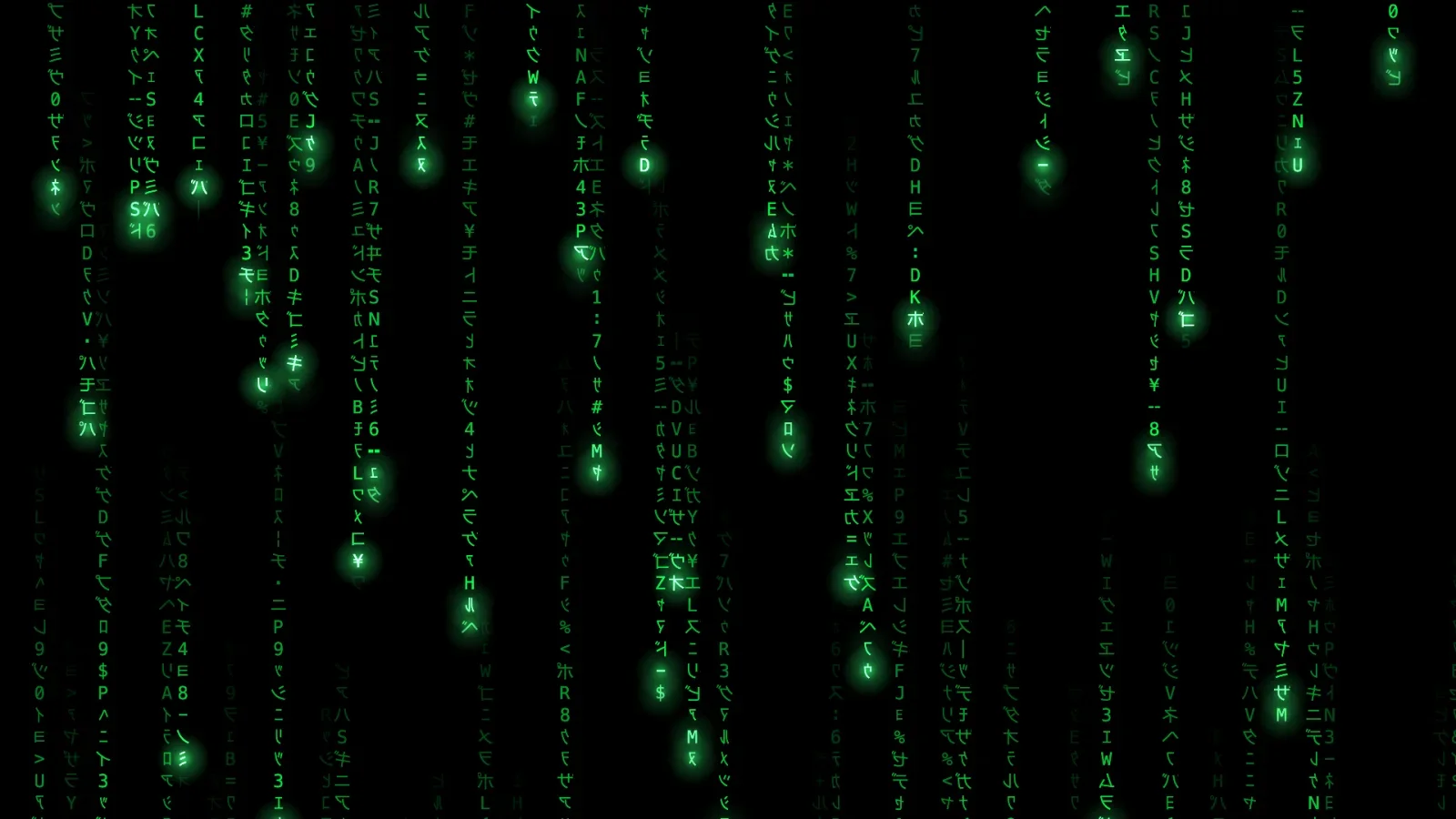
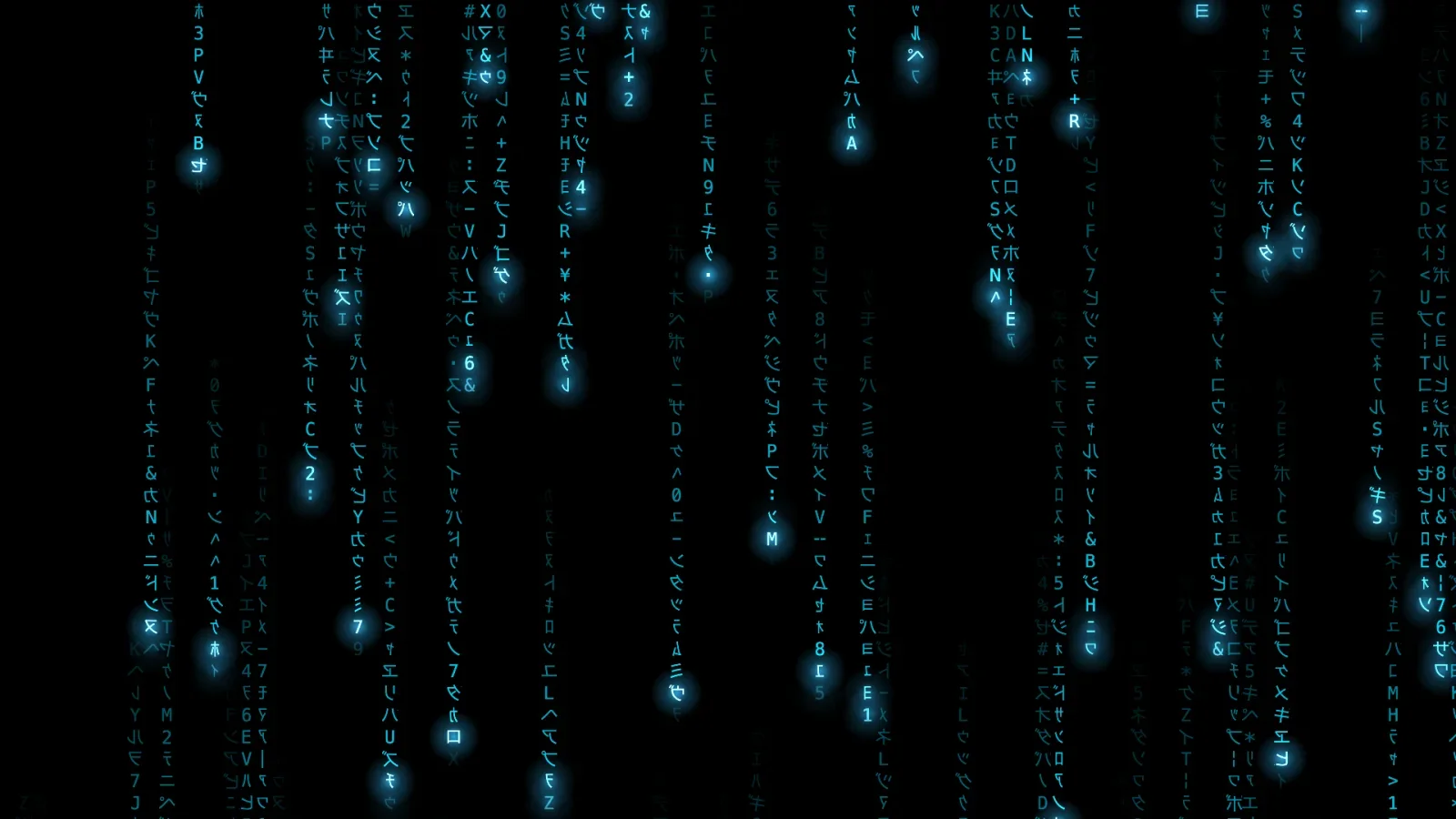
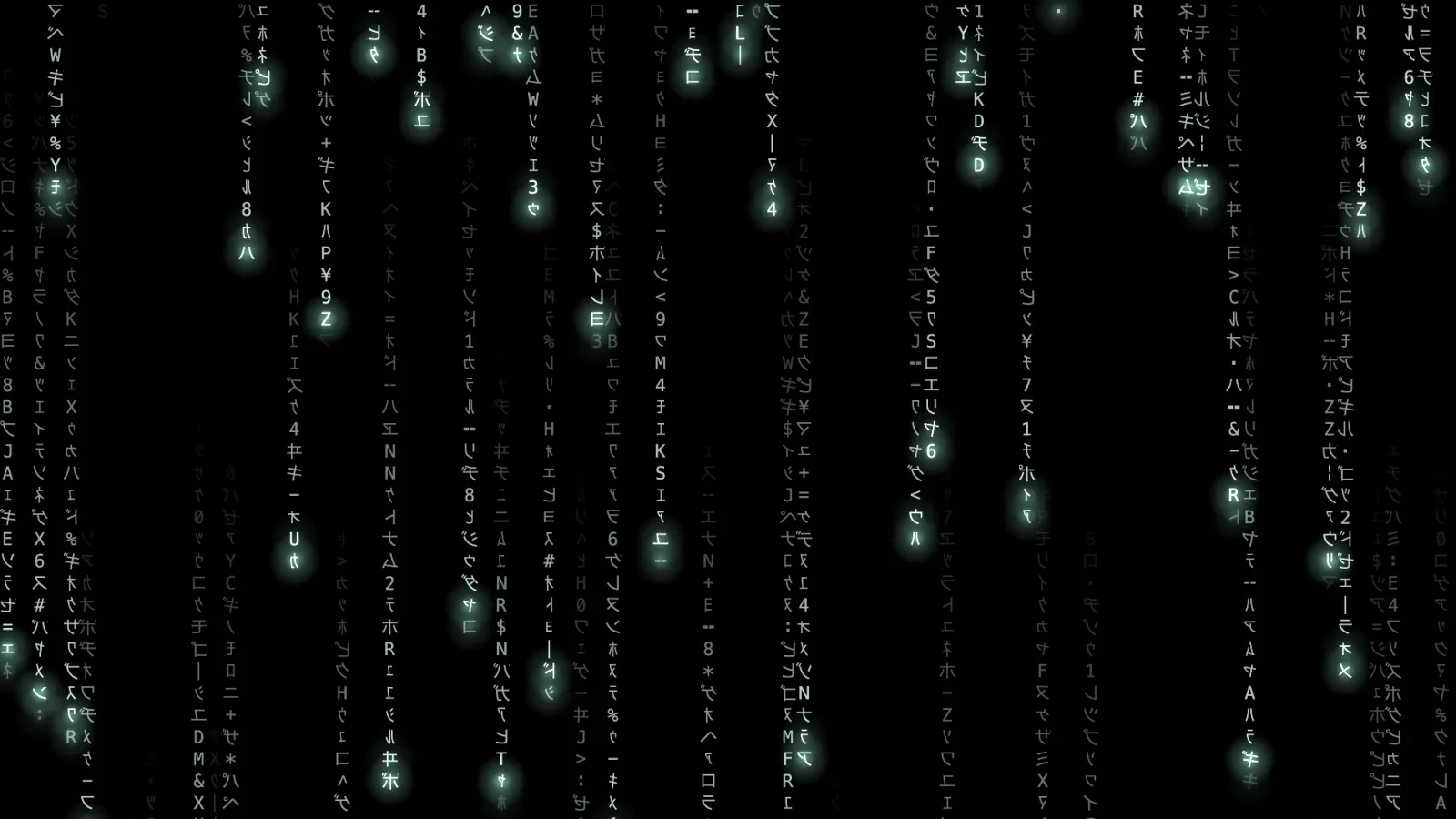
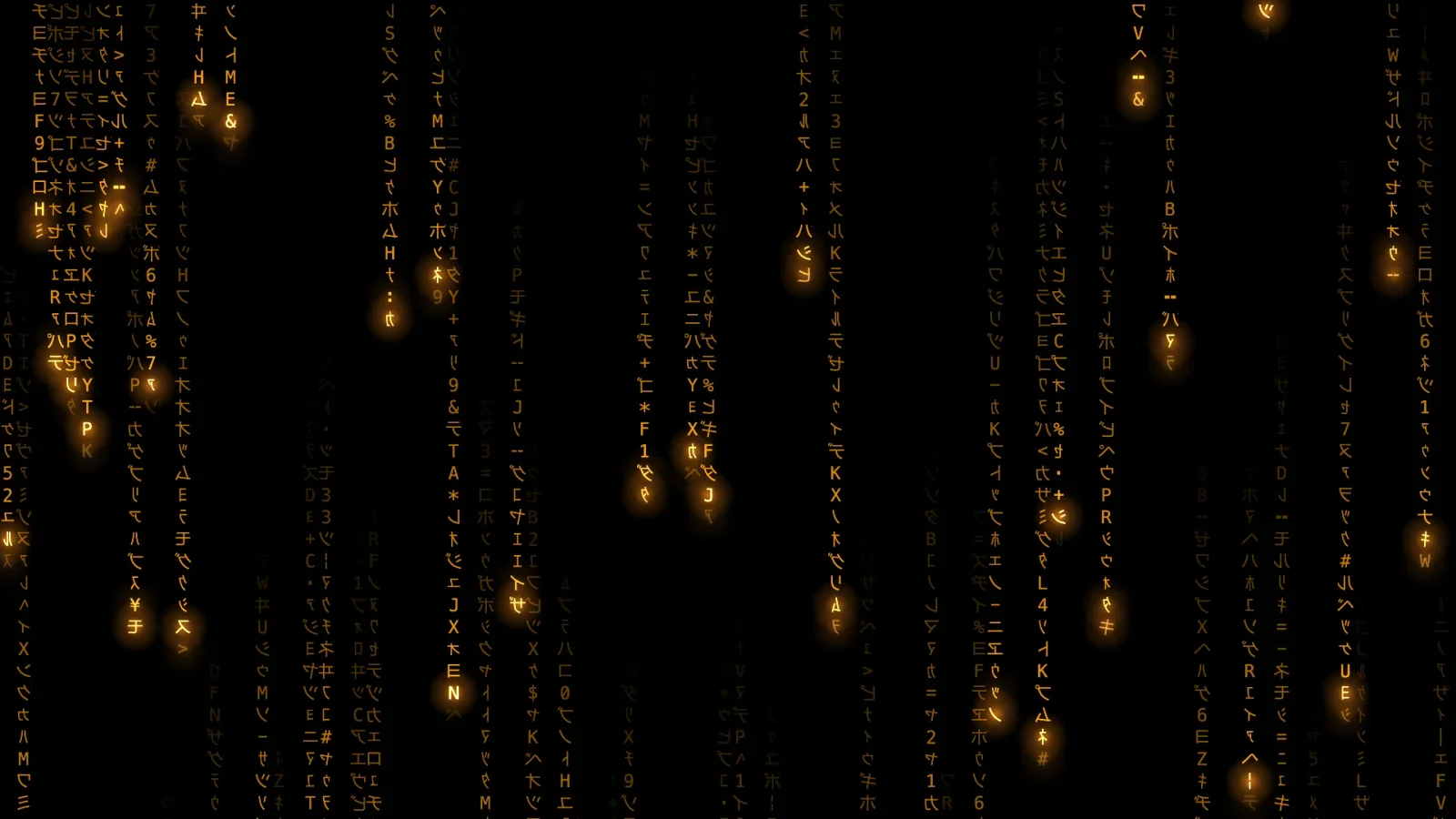
CodeFall is a native Mac app that draws code rain live. Columns of mirrored Japanese katakana, numerals and a few Latin letters fall at their own speeds; bright glyphs lead with a glow, the trails fade to black, and now and then a glyph changes mid-fall. It runs two ways from one Swift source tree, sharing one simulation engine and one renderer on the Mac's graphics processing unit (GPU): as an animated wallpaper behind the desktop icons, and as a screen saver listed in System Settings. I built it with Claude Code, and Claude is credited as co-author on 14 of the project's 16 commits.
On a 5120 by 1440 display at 120 hertz (Hz), the GPU renderer uses about 11 percent of one central processing unit (CPU) core; the earlier renderer, built on Apple's Core Graphics drawing library, used about 68 percent. The drawing step alone fell from 8.6 milliseconds of CPU time per frame to 0.16, a cut of more than 50-fold, with the GPU busy for about 0.9 milliseconds. Each display settles on the fastest steady frame rate it can hold, up to 60 frames per second (fps). The app drops to about 0 percent CPU when the rain cannot be seen, and it lowers its frame rate on battery, in Low Power Mode or when the Mac runs hot.
A product requirements document (PRD) sets out 16 user stories, five build modules, how the work gets tested, and what is out of scope. The project is split into 13 GitHub issues, each labeled for an agent or for me: 5 are closed, and of the 8 still open, 5 are mine and 3 are agent tasks. Both products run from local builds on my Mac today.
The screen saver moved to the GPU. I ported it from Core Graphics to the shared renderer and confirmed that Apple's GPU driver loads inside the sandbox, the locked-down process macOS runs screen savers in, with no denials. It runs at 60 fps on the GPU and 30 fps on the Core Graphics fallback.
One look model for both products. Palette, density, speed and glow become engine and renderer settings in one shared file that both products compile. It replaced three copies of the same mapping, so a change to the look happens in one place.
Three bugs found while checking the saver work, all fixed. A live speed change seemed to do nothing, the Options sheet threw away its own save, and the wallpaper's speed control showed a pace the engine was not running.
Checks built into the tools. The screen saver's build script loads the finished bundle and confirms its main class before it reports success. The stills tool draws through the products' own engine and renderer and checks each still for size, a filled frame and the palette's hue.
The facts.
Role
Design and build, solo.
Year
2026
Stack
Swift · Metal · Core Graphics · Claude Code
Shipped
Not yet · wallpaper app and screen saver run from local builds
Status
Release prep · Working build
If you’re making something
Tell me what it is — I’d rather hear the problem than the brief.